> For the complete documentation index, see [llms.txt](https://docs.watzap.id/help/llms.txt). Markdown versions of documentation pages are available by appending `.md` to page URLs; this page is available as [Markdown](https://docs.watzap.id/help/broadcast-unofficial/cara-resend-broadcast-failed.md).
# Cara Resend Broadcast Failed
Resend broadcast failed adalah fitur yang berfungsi untuk mengirimkan ulang pesan ke nomor WhatsApp customer yang statusnya Failed setelah di broadcast.
Dengan mengggunakan fitur ini, Kamu bisa kirim pesan ulang di broadcast yang sama hanya ke nomor WhatsApp yang Failed saja tanpa perlu repot-repot membuat broadcast yang baru.
Nah, kamu bisa Resend Broadcast yang statusnya Failed dengan ikuti cara berikut ini.
Langkah pertama, kunjungi broadcast yang ada status Failed. Klik menu **broadcast** dan pilih **nama broadcast** anda sesuai kebutuhan.
Klik nama broadcast
Selanjutnya, di bagian Failed Kamu bisa langsung klik tulisan **Resend**.
Klik Resend
Klik tombol **Yes, Resend it.**
Klik tombol Yes, Resed It.
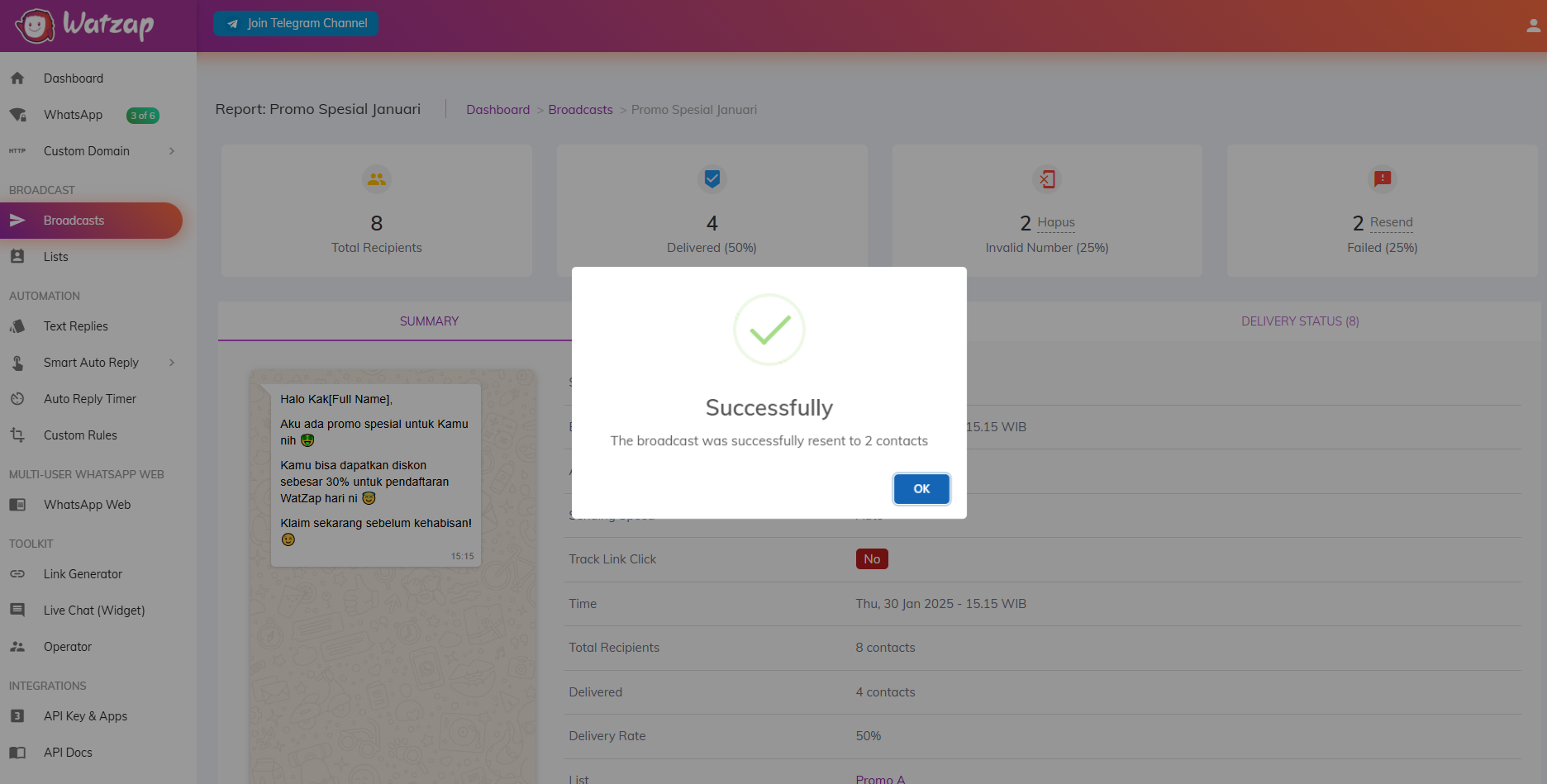
Klik tombol **OK**.
Klik tombol OK
Dengan begitu, secara otomatis broadcast yang statusnya Failed akan berjalan terkirim lagi di bagian **Queue** dan untuk status berhasil di menu **Delivery Status**
Broadcast otomatis berjalan kembali
Silakan tunggu pengiriman broadcastnya sampai selesai.